Design. Preview. Ship.
Design beautiful admin panel themes with live preview and instant feedback.
- No code, no Tailwind config
- Real-time preview, no rebuilds
- Light & dark mode tokens
- One-click install via Composer
From blank canvas to shipped theme
Four steps. No build pipeline. No Tailwind config. No Composer auth dance.
Start theming-
01
Pick your colors
Drop in a brand hue and the palette generates itself — primaries, neutrals, surfaces, all balanced for light and dark mode.
-
02
Tune the type
Fonts, scales, line-heights and spacing — every typographic dial in one place, with a preview that responds as you drag.
Aa Inter · 16px · 1.5 -
03
Preview, live
A real Filament panel rendered next to the editor. Every change reflects instantly — no rebuild, no refresh.
connected -
04
Ship it
Download CSS and a tiny PHP class. Drop them into your project — no package, no auth tokens, no hassle.
$ composer require my-vendor/my-theme
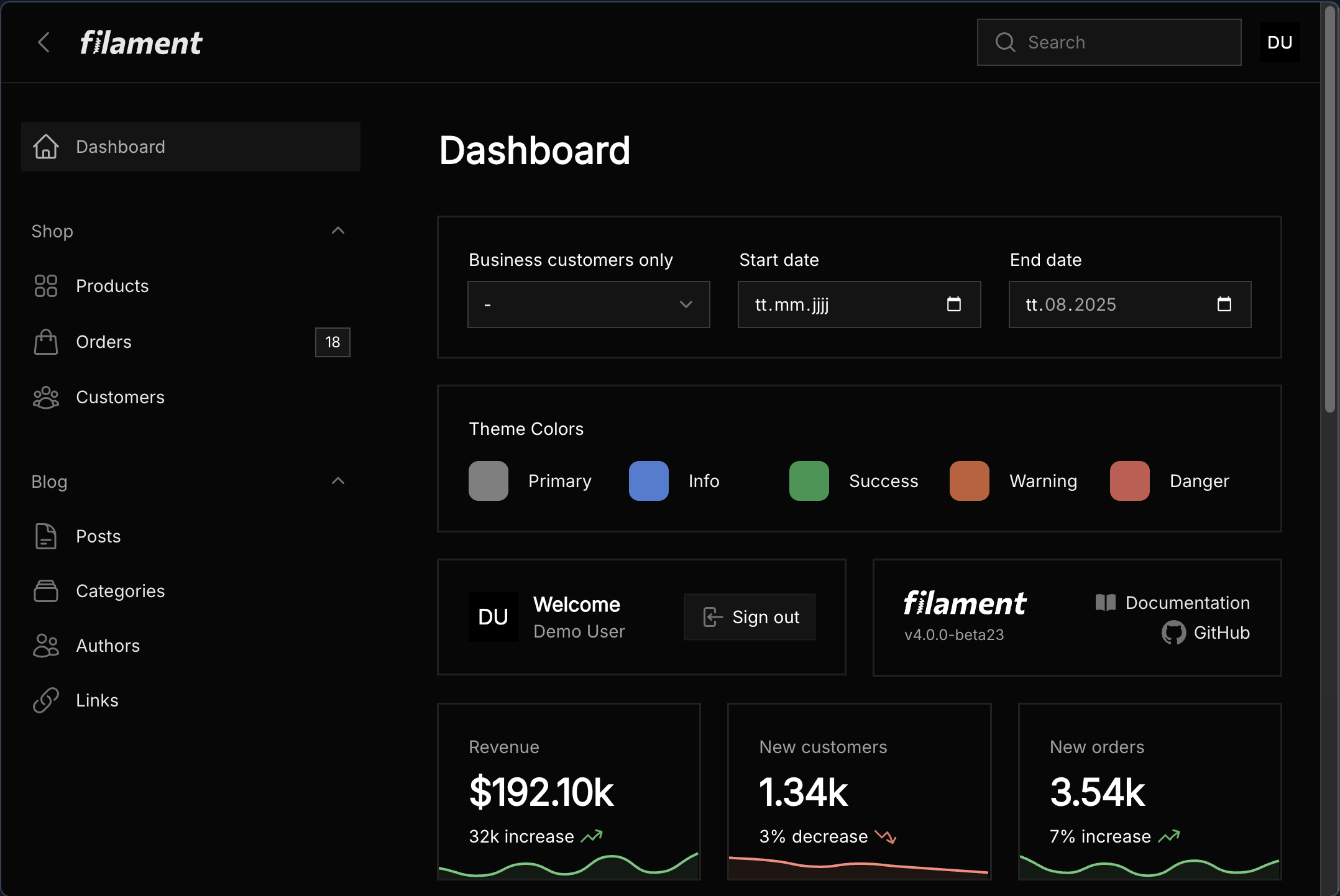
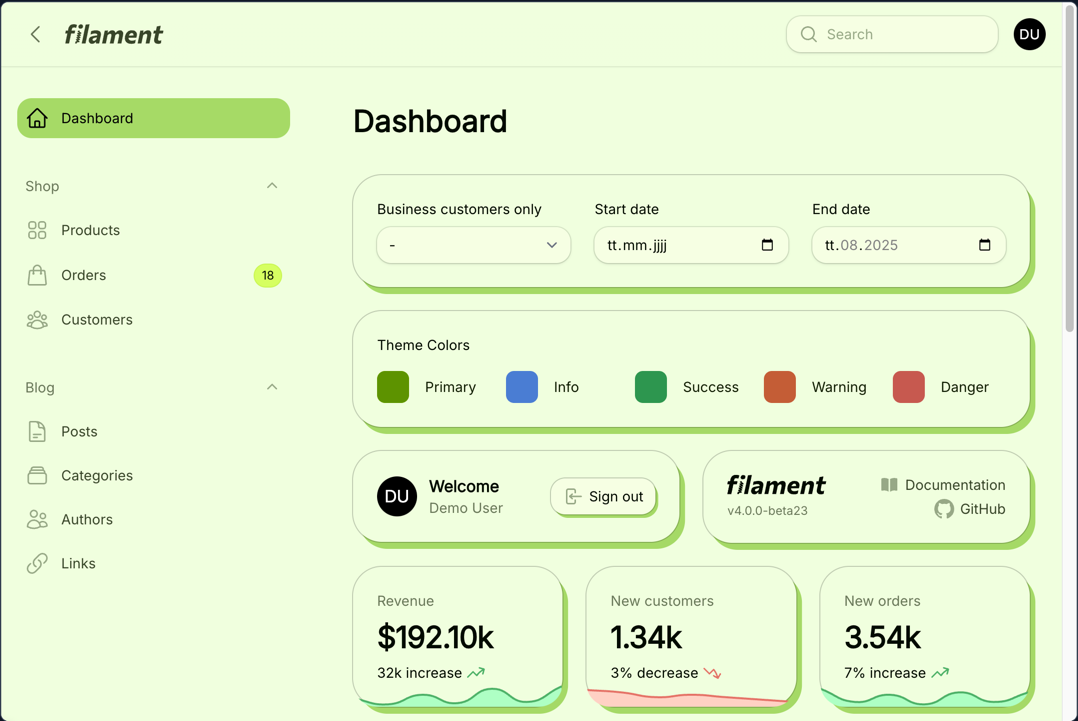
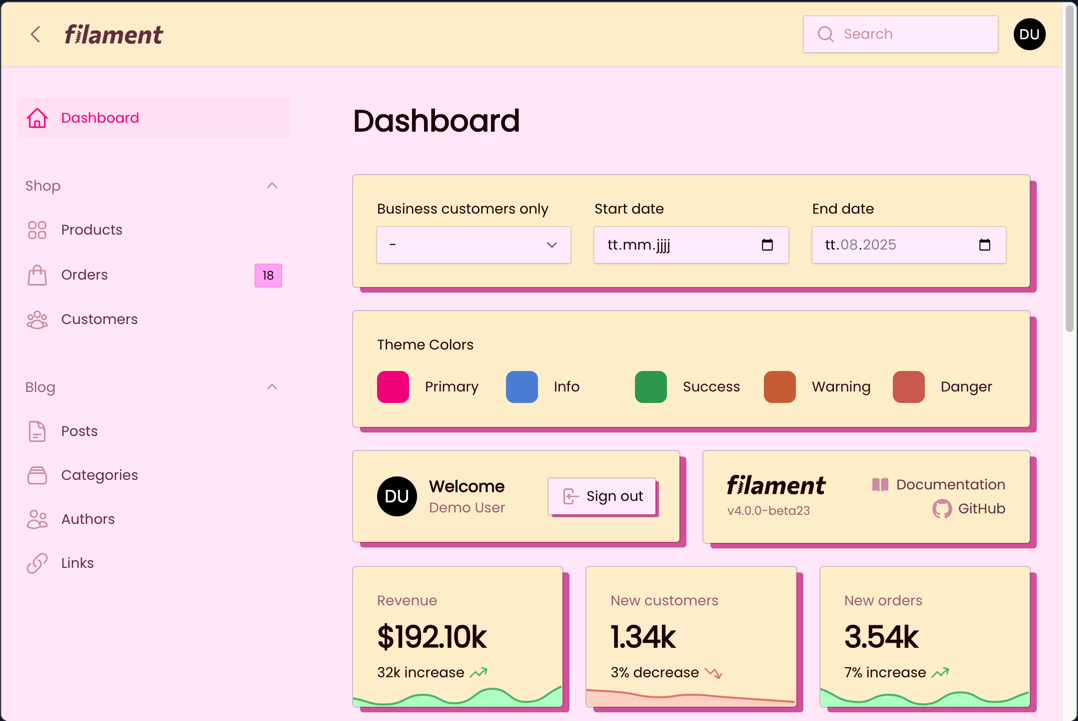
A theme for every brand
From elegant admin panels to modern dashboards, create themes that perfectly match your application's identity.
Compare plans, side by side
One-time payment, no subscriptions. Launch pricing — 40% off both plans.
Frequently asked.
Everything you need to know about Filament Studio. Can't find your answer? Email us →
What is Filament Studio?
Filament Studio is the first visual theme builder for Filament PHP that lets you create, customize, and preview stunning admin panel themes without writing any code. It provides real-time editing capabilities with instant preview.
Do I need coding knowledge to use Filament Studio?
No coding knowledge required! Filament Studio features an intuitive visual interface that makes theme creation accessible to everyone. Whether you're a Laravel developer, designer, or business owner, you can create professional Filament themes with just a few clicks.
Which Filament versions are supported?
Themes created with Filament Studio are compatible with Filament v4 and v5. We do not support Filament v3.
How does Filament Studio work?
After creating an account, you are ready to start. First, you will create a theme via the visual theme editor. You can save it to come back later or compare multiple versions. When you are happy with the result, head to the checkout. After the successful payment, you'll be redirected to the theme page, where you can copy the require CSS and PHP code for your theme.
How does the installation work?
Based on your configuration we generate PHP and CSS code which you can copy to your app. No need for installing a package or providing Composer auth credentials.
How can I edit a theme?
You can edit a theme as often as you like until you buy it. Once your theme is paid, it's locked to the latest version.
Can I use themes on multiple applications?
The Business plan allows usage on one application, while the Unlimited plan provides licensing for unlimited applications.
Which license is the right one?
Both licenses allow a **single creation of a theme**. So make sure you are happy with your theme before you head to the checkout. Themes with the Business license are for a single project only. The Unlimited license allows usage in as many projects as you want.
What's included in the 1 year of updates?
Your purchase includes free updates for one full year, covering bug fixes or compatibility updates with the latest Filament versions. After the year, you can continue using your current version or purchase an update package. The updates do not allow you to create different versions of the theme.
Do you offer refunds?
If you encounter issues that we cannot resolve in time, we are happy to refund your purchase. Please note that we cannot refund purchases if you do not like the theme.
Do you create custom themes on request?
No. We focus on providing a powerful theme builder that allows you to create and customize your own themes without the need for custom development. However, there are talented designers in the Filament community who offer their services for custom theme development.
Who's behind Filament Studio?
Filament Studio is a project by [Dennis Koch](https://denniskoch.dev) – a core team member of the Filament. It's not an official Filament product, though.